Sign Up & Login
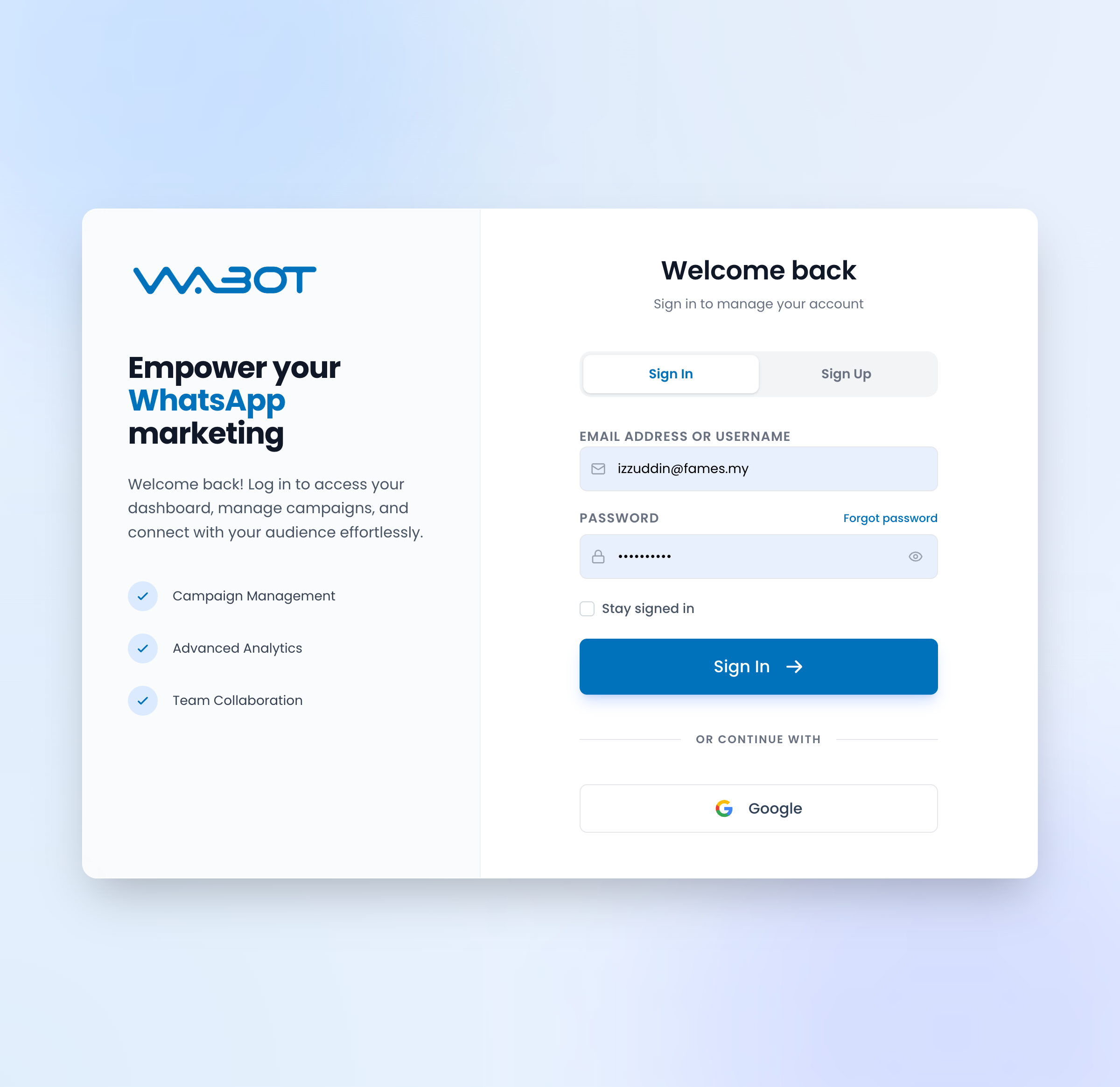
Create a New Account
- Go to app.wabot.io/login?mode=signup.
- Click the Sign Up tab.
- Enter the following:
- Email Address or Username
- Password (use a strong one)
- Phone Number (your business number)
- Verify your email via the link sent to your inbox.
- Log in at app.wabot.io/login.
Sign in with Google
Wabot supports Sign in with Google — click the Google button on the login page to skip password setup.
Login Page Overview
When you visit https://app.wabot.io/login, you'll see:
- Email Address or Username field
- Password field with show/hide toggle
- Forgot password link
- Stay signed in checkbox
- Sign In button
- OR CONTINUE WITH → Google button
Forgot Password
- Click Forgot password on the login page.
- Enter your registered email.
- Check your inbox for a reset link.
- Click the link and set a new password.
Free Trial
New accounts start with a free trial that includes:
- No credit card required
- Access to basic features
- Sample quota for testing
When you're ready to scale up, upgrade to one of the paid plans — see Pricing & Plans for details.
Next: Dashboard Tour →