Link Generator
Create custom WhatsApp click-to-chat links and QR codes with pre-filled messages. Perfect for websites, business cards, and marketing materials.
Where to Find It
Sidebar → CORE → Link Generator — https://app.wabot.io/dashboard/link-generator
How It Works
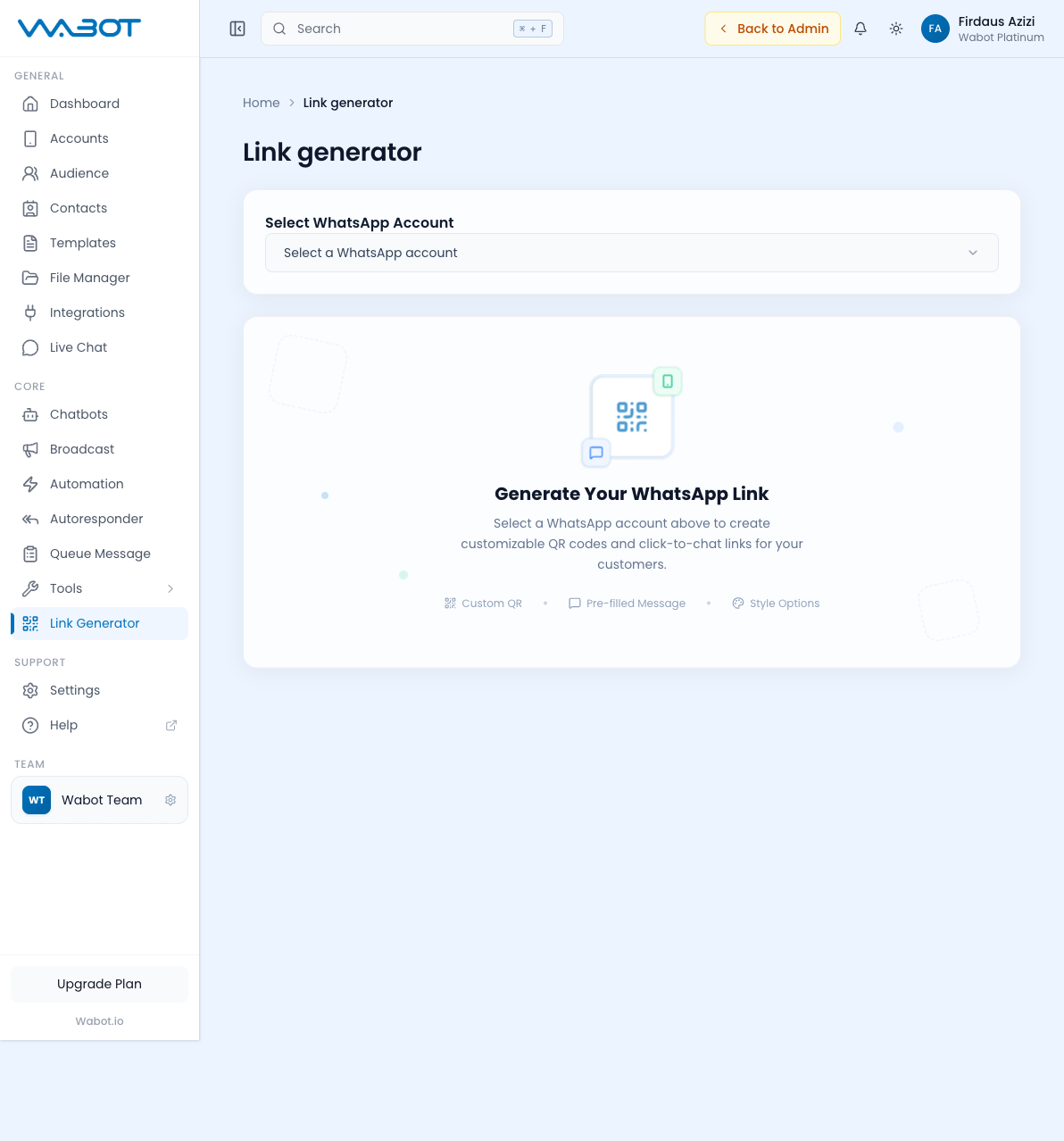
- Open CORE → Link Generator.
- Select WhatsApp Account — pick the number the link should open to.
- Enter the Pre-filled Message customers should see when WhatsApp opens.
- Check the generated click-to-chat URL.
- Open Style Options to customize the QR code appearance.
- Generate and download the QR code, then test it on a phone before publishing it.
If you see Access Restricted, ask the team owner to check your plan and Link Generator permission.
Generated Outputs
- Click-to-chat URL — e.g.
https://wa.me/60123456789?text=Hi+I+want+to+order - QR code image — downloadable PNG/SVG for printing
- Short link (optional) — using KlikSini or similar
Use Cases
- Website buttons — "Chat with us on WhatsApp"
- Business cards — QR code that opens WhatsApp with a greeting
- Social media bios — short link in Instagram/TikTok bio
- Product packaging — QR for customer support
- Ads — Facebook/Google ads with direct-to-WhatsApp CTA
- Posters and flyers — physical marketing materials
Customizing the QR Code
The Style Options panel lets you:
- Pick colors (brand color for the dots)
- Add a logo in the center
- Choose a frame with call-to-action text ("Scan me!")
- Pick dot style (square, rounded, dots)
- Download as PNG or SVG
Best Practices
- Use a greeting that matches your business ("Hi, I'm interested in your services")
- Keep pre-filled messages short — customers can always type more
- Test the link on your phone before sharing widely
- Track performance: use different pre-filled messages per channel to see which converts best